STEP 1
GUESTS SCAN QR CODE
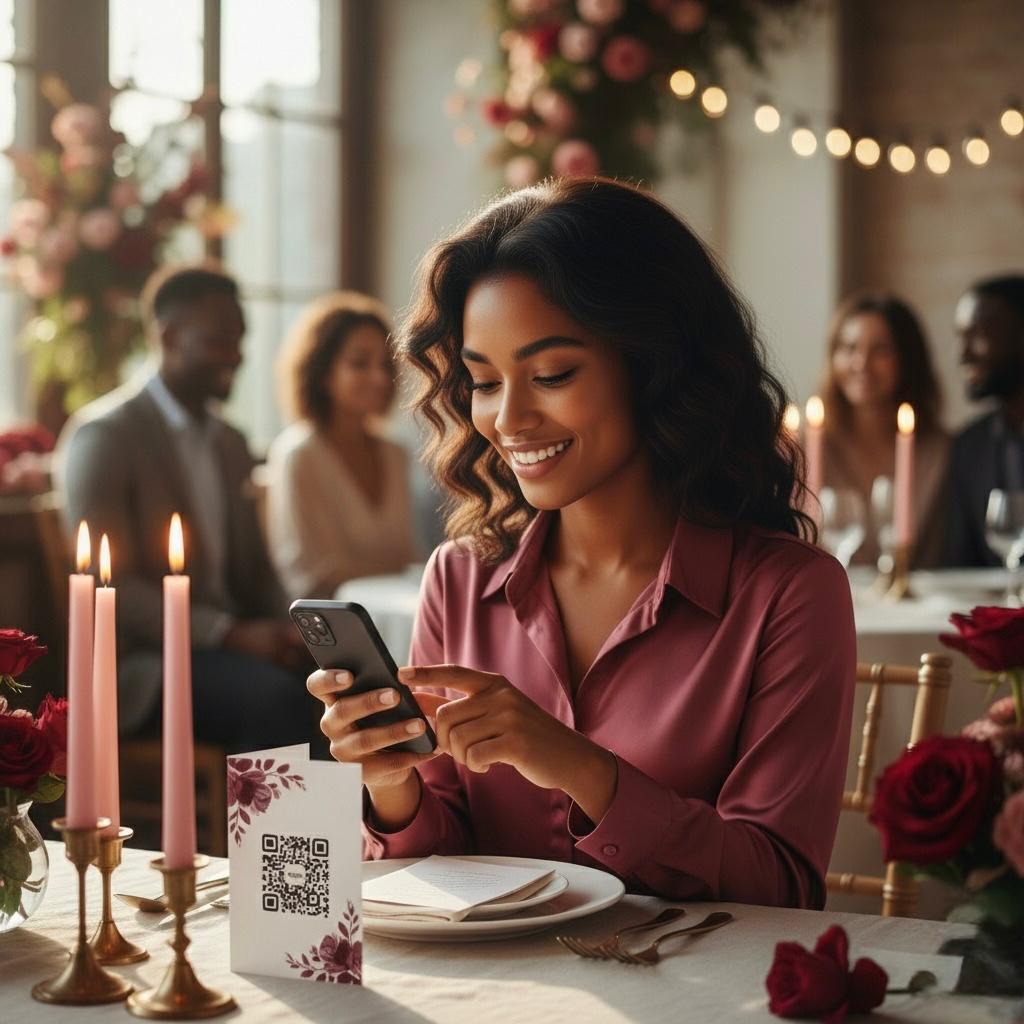
Guests scan your QR code to upload pictures or click your private link.
Guests can share photos instantly with just a scan - no apps, no logins, no hassle
Guests scan your QR code to upload pictures or click your private link.
Guests add their name (no registration required) before uploading photos and videos from their gallery or in the moment. Compatible with any device.
A title and description can be added to photos. Guests can also leave you a written guestbook message or a fun video guestbook message.
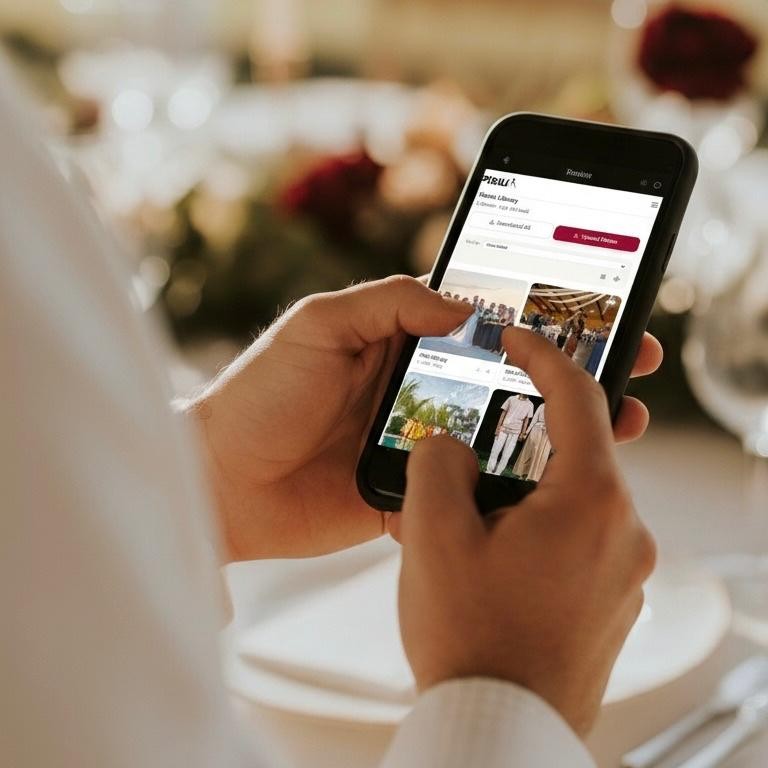
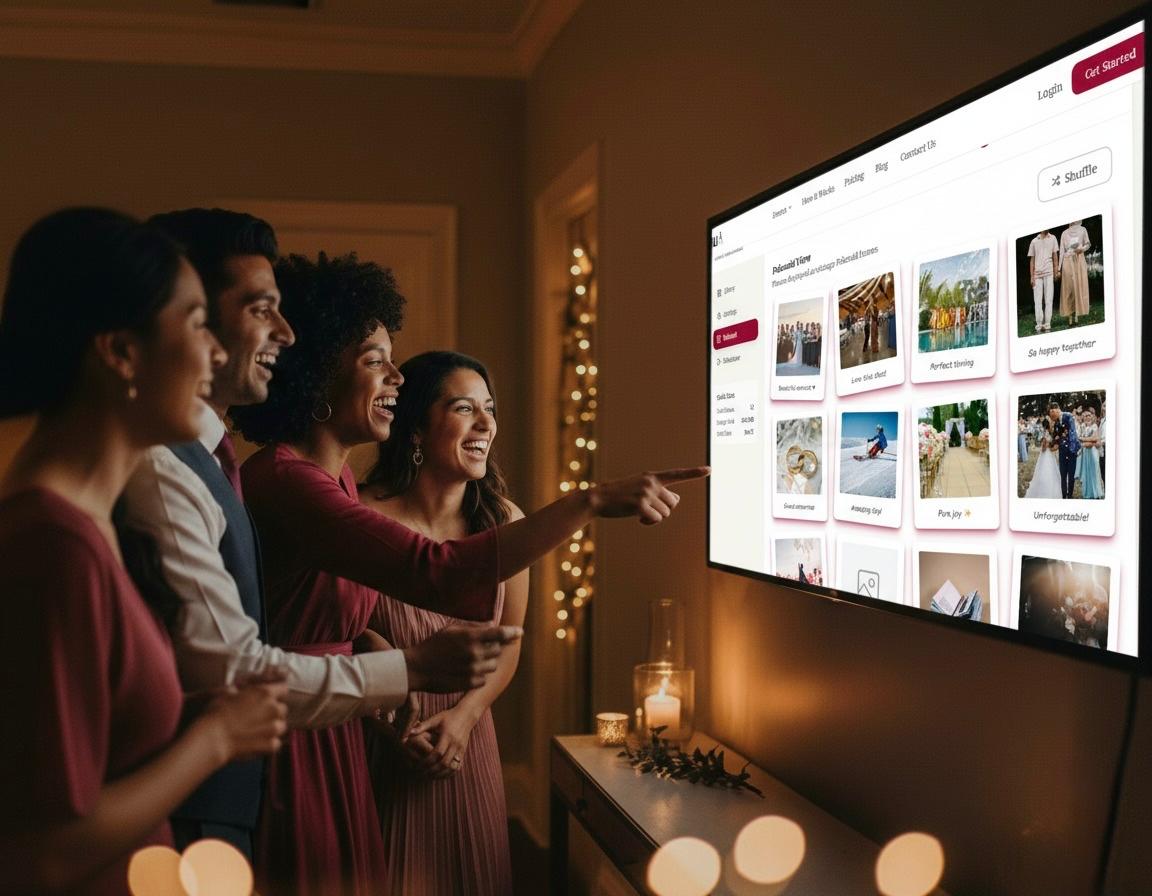
You and your guests will keep checking the gallery in the days and weeks after your wedding to relive all the best moments.
Best yet, you control your gallery settings and can customize it specifically for your event.
Your digital gallery will be the go-to destination everyone will be loving the day after the event!
Once you've purchased a package, your master QR code will automatically be generated for you and is ready to download immediately.

After purchase, add your event data, event title, and a short welcome message for your guests. This will be your welcome page for guests once they scan your QR code or click your private link. For album packages, we recommend a separate album per event.
Only takes 2 mins to create!
Display your QR code at your event. You can even copy and send your private link to guests digitally, or add it to your event website. Use our QR code generator to generate your personal dynamic QR Code with customized colors or use our default color scheme.
As a bonus, you'll receive links to over 180 editable Canva templates you can personalize and print locally. Templates include welcome signs, table cards, take home cards & photo booth card. Or send your GUESTPIX™ QR code to your stationer and they'll do the rest!


You and your guests will love seeing the best moments roll into your digital gallery as you. Impatiently wait for the professional ones to arrive!
As the host, you are in control. You can customize the features of GUESTPIX™ in whichever way suits you and your event.
It will be filled with unforgettable photos, funny videos, and heart-warming video guestbook messages. You can even stream photos at your event by activating the slideshow feature!
Everyone will keep checking the gallery as it fills up with the best moments from your event. Don't miss it!